You saved it. Now find it.

Search notes, PDFs and Office documents by describing what you're looking for.

Feeling lost in your files too?

We all save notes, photos, and documents — but when we need them, they’re gone.

I save important things “for later”.

Then I can never find them again — they disappear somewhere between chats, folders, and screenshots.

Everything’s scattered everywhere.

Notes in Telegram, photos in the gallery, PDFs in Drive — and I never remember where anything actually is.

Nothing is organized.

No folders, no tags, no structure — just a growing pile of stuff I keep meaning to sort out “someday”.

Need something fast?

That one document, the flight confirmation, the embassy file — always missing right when I need it most.

Tools like Notion or Drive look perfect.

Until you realize they only work if you stay perfectly organized — and who really does that?

How MyMemoryBox helps you never lose what matters.

The chaos disappears once everything lives in one private, searchable place.
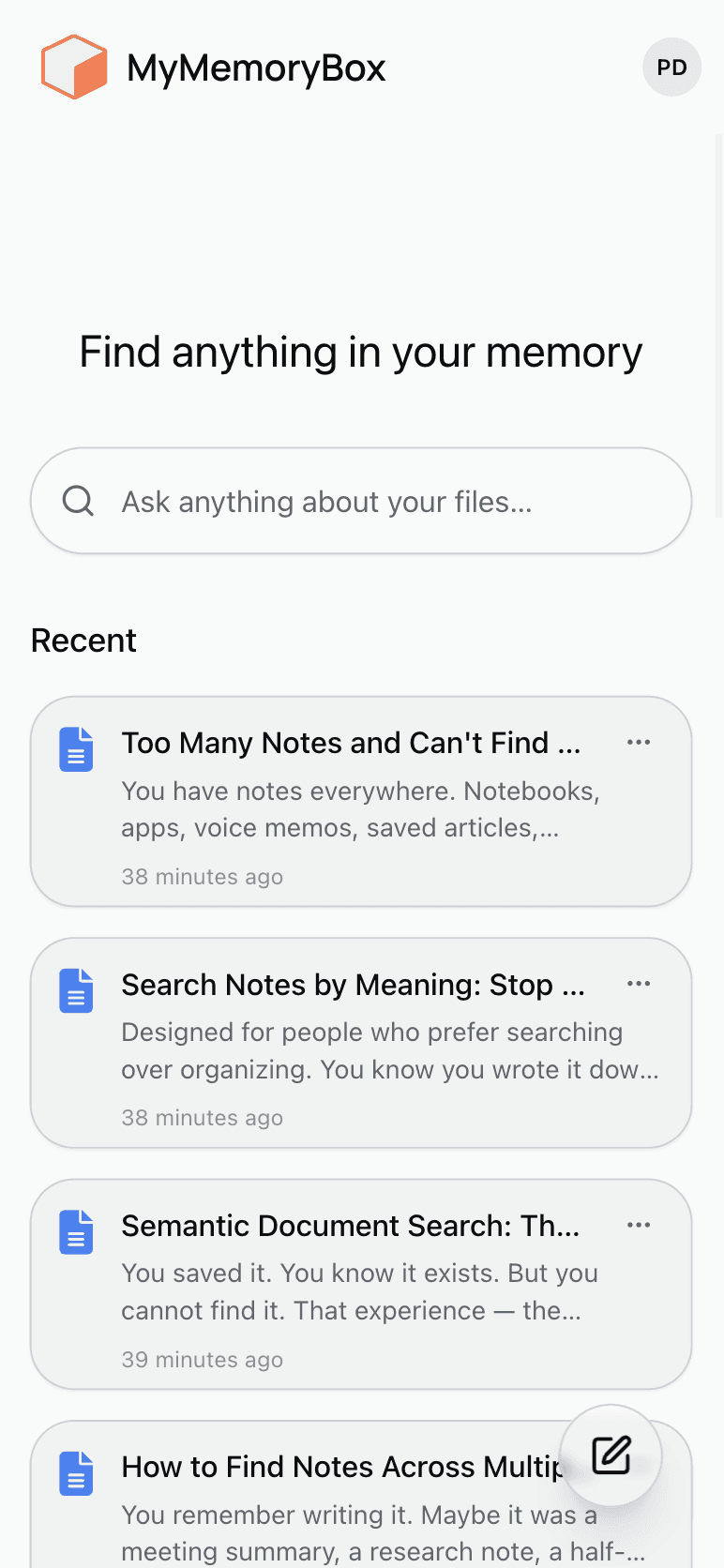
One place for everything

All your notes, photos, and documents — finally together.

Smart search that understands you

Find things by meaning, not exact names. Try “trip to Rio in January.”

No structure required

Forget about folders and tags — just drop things in.

Private by design

Your data stays yours. Nothing shared, nothing used for training.

Security

Data access requires authentication. Each account has isolated data. You can delete your data at any time.

One place for everything

All your notes, photos, and documents — finally together.

Smart search that understands you

Find things by meaning, not exact names. Try “trip to Rio in January.”

No structure required

Forget about folders and tags — just drop things in.

Private by design

Your data stays yours. Nothing shared, nothing used for training.

Security

Data access requires authentication. Each account has isolated data. You can delete your data at any time.

One place for everything

All your notes, photos, and documents — finally together.

Smart search that understands you

Find things by meaning, not exact names. Try “trip to Rio in January.”

No structure required

Forget about folders and tags — just drop things in.

Private by design

Your data stays yours. Nothing shared, nothing used for training.

Security

Data access requires authentication. Each account has isolated data. You can delete your data at any time.

How it all works

It’s simple — add, store, search.
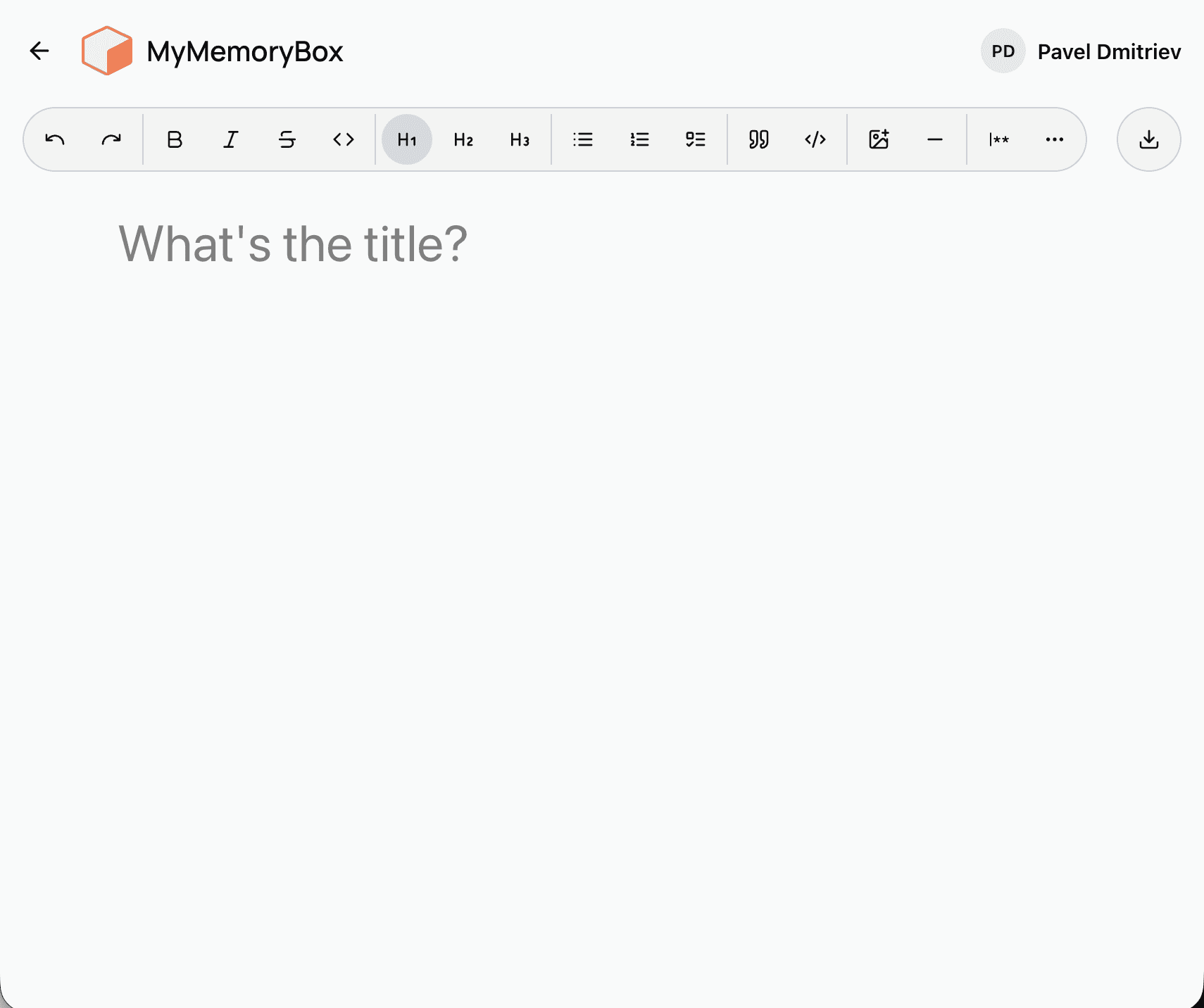
Step 1

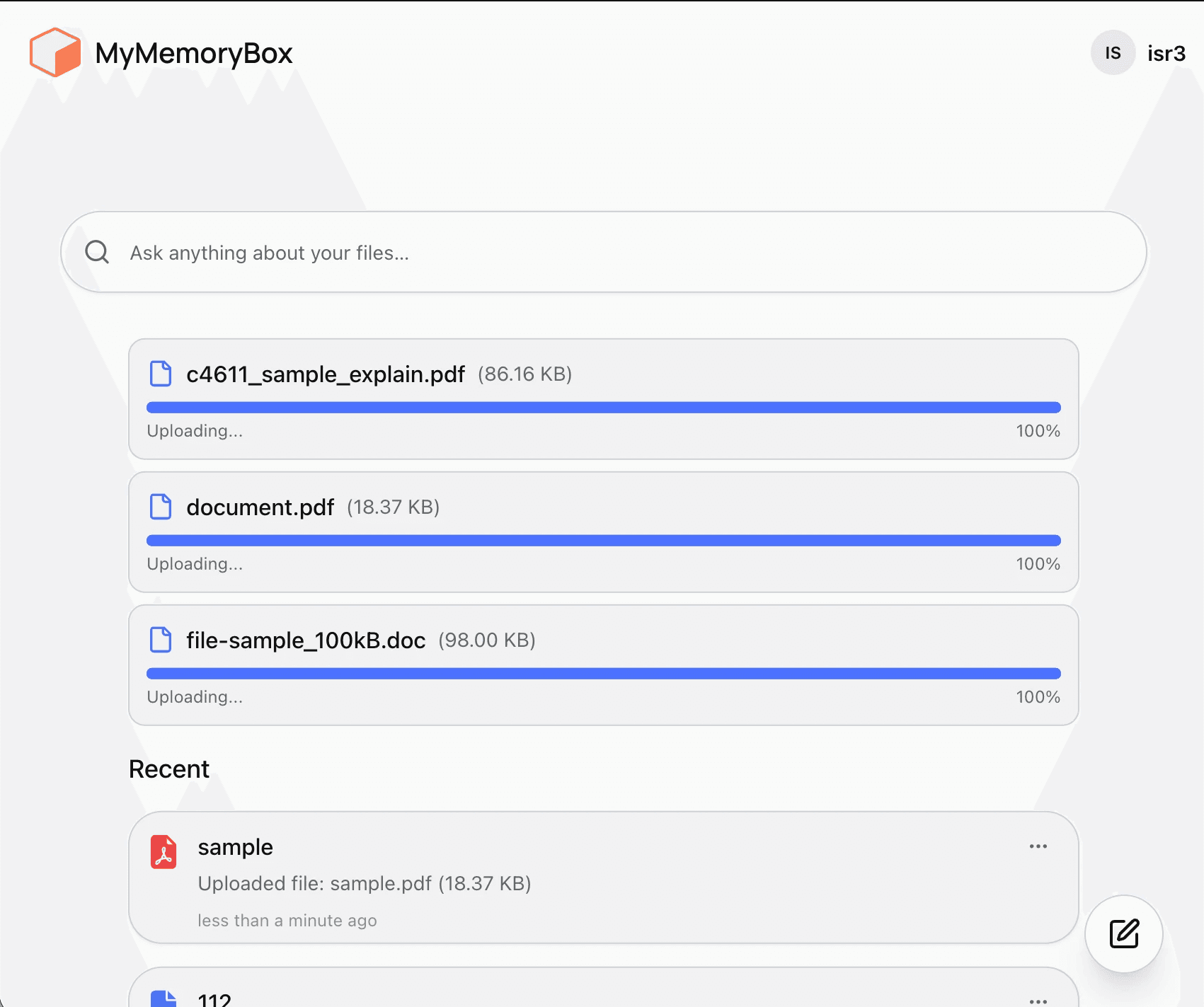
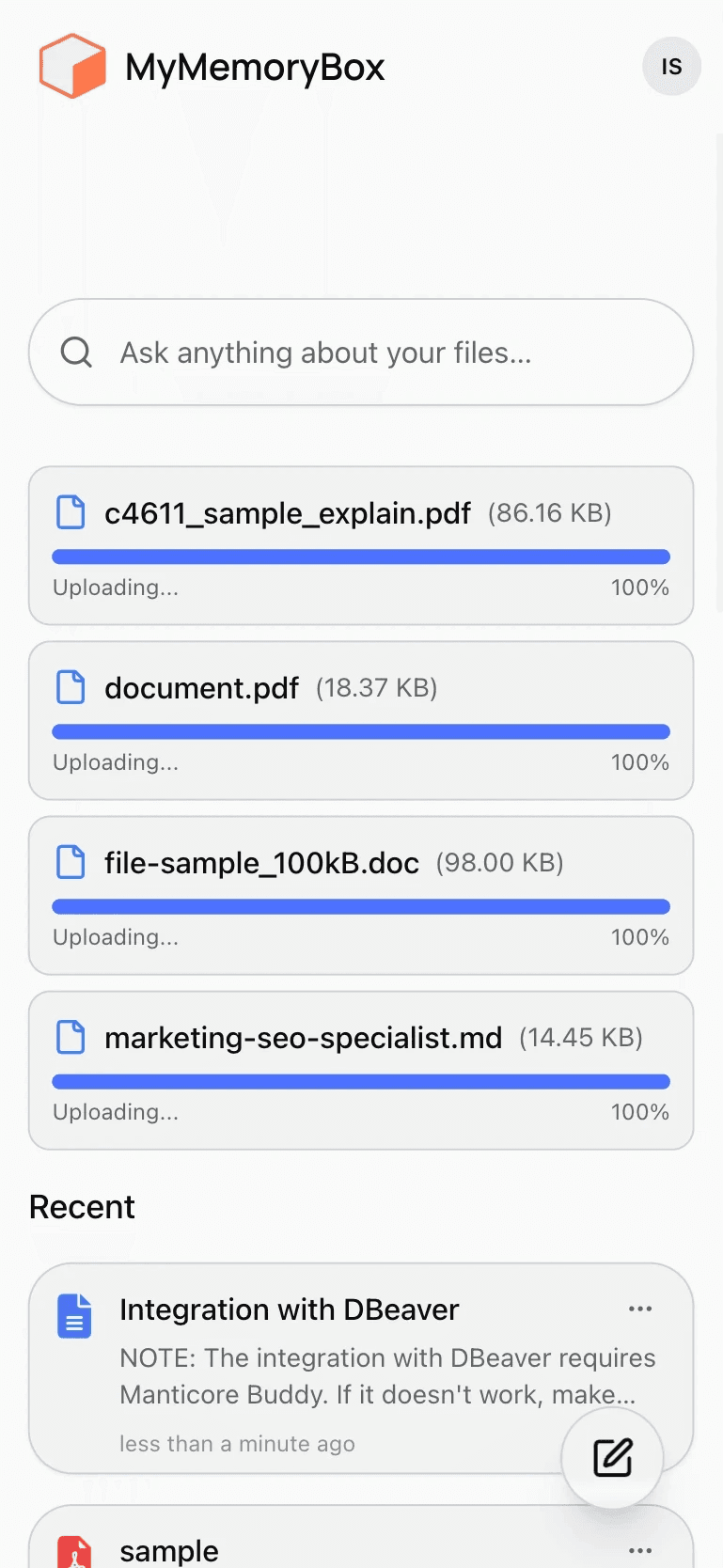
Create a new note or upload anything.

Create notes or upload PDFs, images, or documents — texts, receipts, trip plans, everything.

Step 1

Create a new note or upload anything.

Create notes or upload PDFs, images, or documents — texts, receipts, trip plans, everything.

Step 1

Create a new note or upload anything.

Create notes or upload PDFs, images, or documents — texts, receipts, trip plans, everything.

Step 2

We analyze your files

MemoryBox analyzes document content and creates semantic representations. Search results are ranked by similarity between your query and stored content.

Step 2

We analyze your files

MemoryBox analyzes document content and creates semantic representations. Search results are ranked by similarity between your query and stored content.

Step 2

We analyze your files

MemoryBox analyzes document content and creates semantic representations. Search results are ranked by similarity between your query and stored content.

Step 3

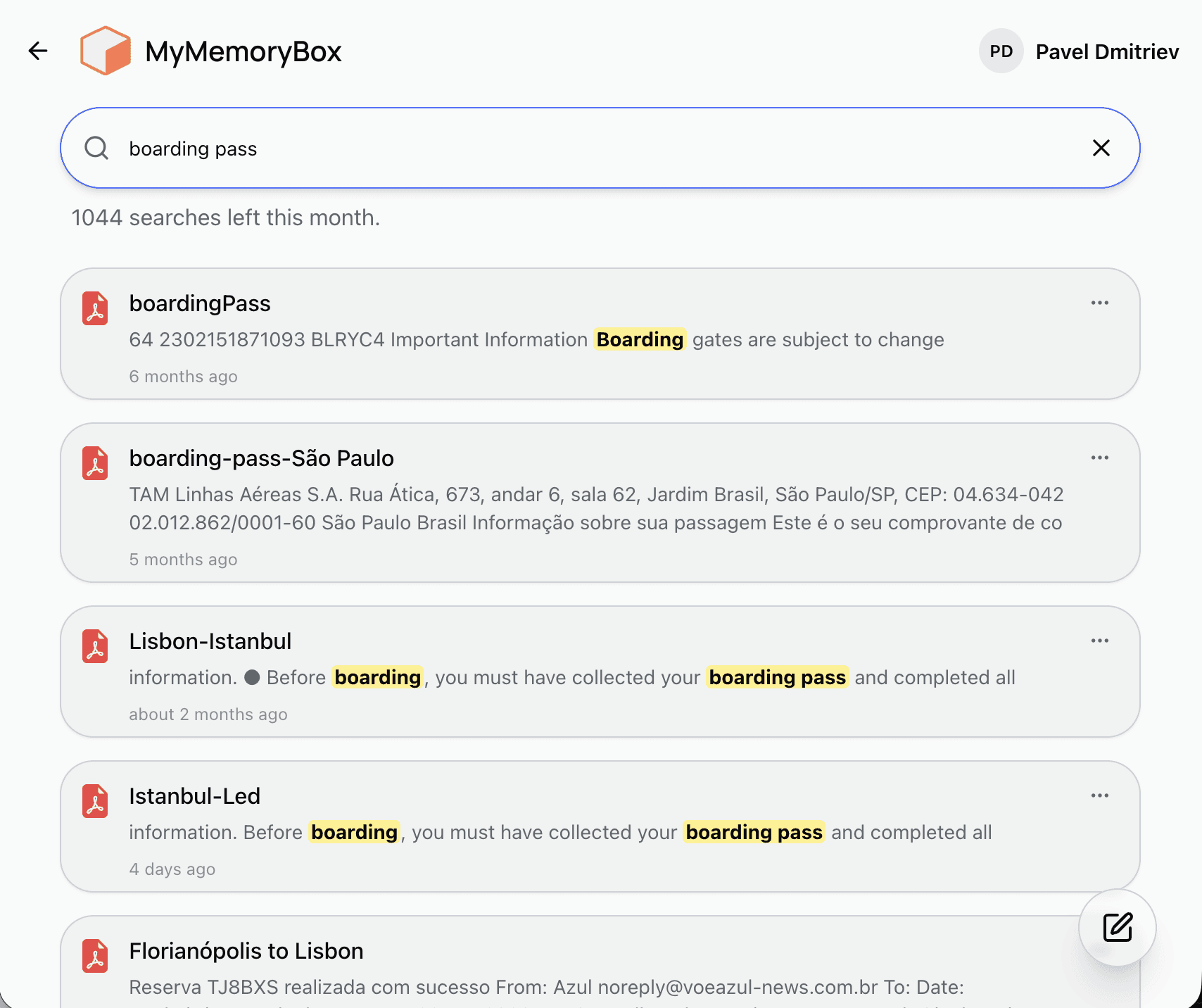
Search naturally

Type “my daughter’s birth certificate” — and it finds it instantly.

Step 3

Search naturally

Type “my daughter’s birth certificate” — and it finds it instantly.

Step 3

Search naturally

Type “my daughter’s birth certificate” — and it finds it instantly.

Step 4

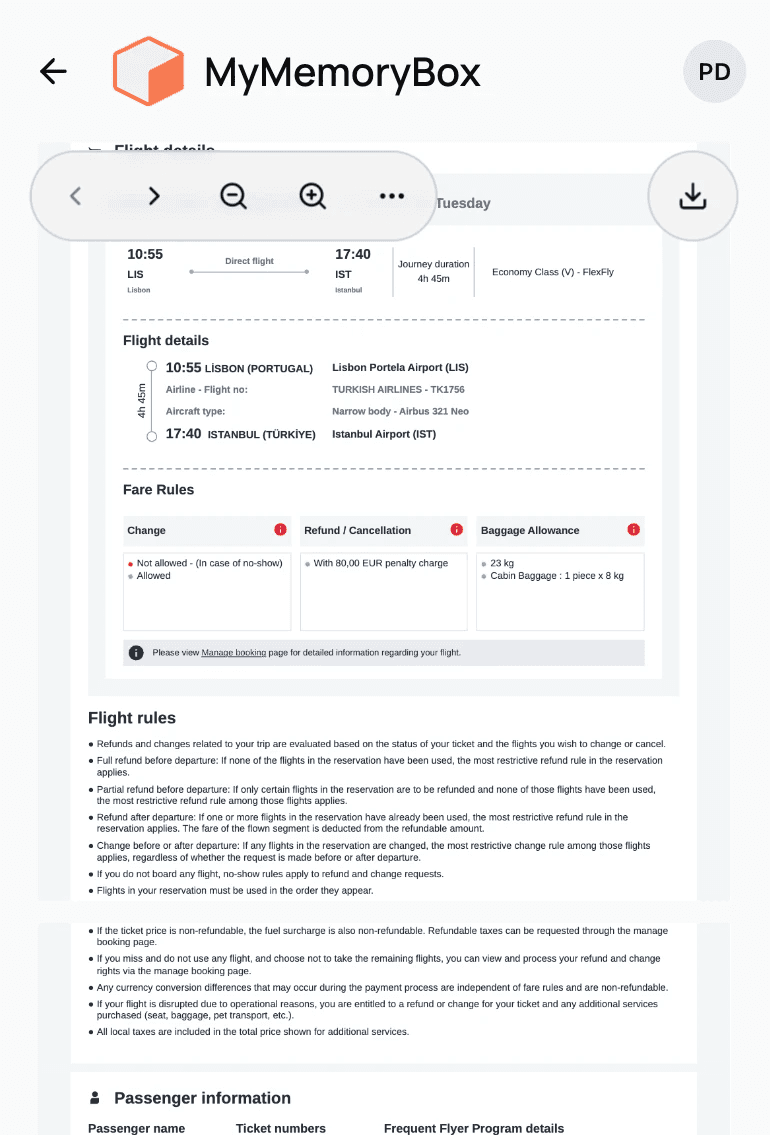
See it anywhere

Your notes and memories are always with you — just open your browser.

Step 4

See it anywhere

Your notes and memories are always with you — just open your browser.

Step 4

See it anywhere

Your notes and memories are always with you — just open your browser.

What you get

Real benefits you’ll notice right away — simplicity, clarity, and peace of mind.

Instant access

Find anything in seconds — even that random note or file you saved months ago.

Instant access

Find anything in seconds — even that random note or file you saved months ago.

Peace of mind

Stop worrying about losing your files or ideas. MyMemoryBox quietly keeps everything safe and searchable.

Smart organization

No need to tag or categorize — it just works. MyMemoryBox understands what’s inside your files and makes sense of it all.

Simple pricing, no surprises

Choose the plan that fits how you save things.

Starter

$0

/month

Ideal for first-time users
Try the basics. Upload, search, and feel the power of having your memory in one place.

Upload limit: 50 MB per file

Up to 30 files or notes

AI-powered search

Up to 10 AI searches / month

Full-text indexing

OCR for images only

Explorer

Recommended

$10

$299

/month

Best for everyday use
For those who save things regularly — from articles to scanned docs.

Everything in Starter

Upload limit: 50 MB per file

Up to 500 files

Up to 200 AI searches / month

Keeper

$18

/month

Built for power users & digital memory keepers
Save your knowledge, ideas, and archive your life with ease.

Everything in Explorer

Upload limit: 50 MB per file

Up to 1000 files

Up to 500 AI searches / month

Personal support

Starter

$0

/month

Ideal for first-time users
Try the basics. Upload, search, and feel the power of having your memory in one place.

Upload limit: 50 MB per file

Up to 30 files or notes

AI-powered search

Up to 10 AI searches / month

Full-text indexing

OCR for images only

Explorer

Recommended

$10

$299

/month

Best for everyday use
For those who save things regularly — from articles to scanned docs.

Everything in Starter

Upload limit: 50 MB per file

Up to 500 files

Up to 200 AI searches / month

Keeper

$18

/month

Built for power users & digital memory keepers
Save your knowledge, ideas, and archive your life with ease.

Everything in Explorer

Upload limit: 50 MB per file

Up to 1000 files

Up to 500 AI searches / month

Personal support

Frequently asked questions

Answers about features, search and data access.

What is MemoryBox?

MemoryBox is a web application for storing personal notes and files with semantic search.

How does search work?
Do I need folders or tags?
What file types are supported?
Is my data private?

Integration with external storage services is planned for future versions.

Where is data stored?
Can I delete my data permanently?
Will MemoryBox support external storage integrations?
What is MemoryBox?

MemoryBox is a web application for storing personal notes and files with semantic search.

How does search work?
Do I need folders or tags?
What file types are supported?
Is my data private?
Where is data stored?
Can I delete my data permanently?
Will MemoryBox support external storage integrations?